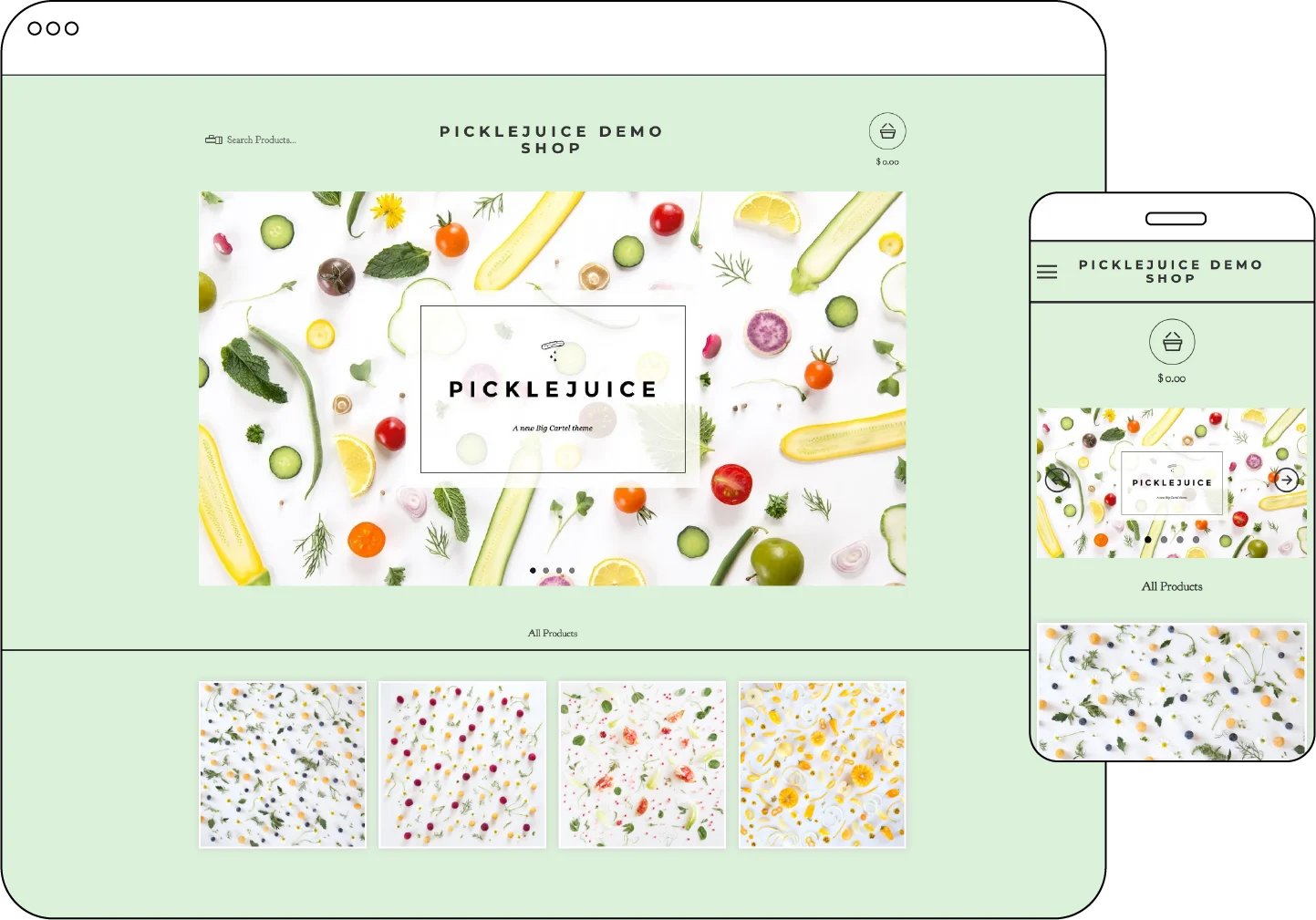
The Picklejuice template, crafted by Ghostly Ferns, ensures that your product images shine on every device and offers a seamless shopping experience where customers can edit their cart without navigating away from the page.
Who is this template ideal for?
Pickle juice is a versatile choice suitable for any online shop, with a particular focus on brands, makers, and vintage shops seeking a refined and sophisticated aesthetic.
Features
Responsive design: Tailored for optimal performance on various mobile and desktop devices.
Homepage slideshow: Showcase a large image slideshow on the home page.
Featured product control: Customize the number of featured products displayed on the home page.
Social sharing buttons: Share buttons for Twitter, Facebook, and Pinterest available on product pages.
Mobile gallery: Product pages feature a slideshow image gallery tailored for mobile users.
Logo display: Easily showcase your store's logo in the header.
Product search: Include a search field in the header for convenient product exploration.
Easy cart access: Convenient pop-up cart window allows for cart viewing and editing without leaving the current page.
Social Media integration: Include links to Twitter, Facebook, Tumblr, Pinterest, and Instagram in the sidebar.
Tips
Template Add-ons
Gold users, upgrade to a premium plan to unlock these template add-ons and elevate your shop’s design
⚡ Limited Inventory Messaging – Boost sales by displaying messages when products are running low.
⭐ Customer Reviews with Fera – Build trust with authentic customer feedback.
📝 Blog Integration – Share updates, stories, and more with your customers.
📬 Newsletter Pop-Up with Mailchimp – Grow your mailing list and keep customers engaged.
🔔 Engaging Pop-Up with Poptin – Capture attention and promote offers with custom pop-ups.