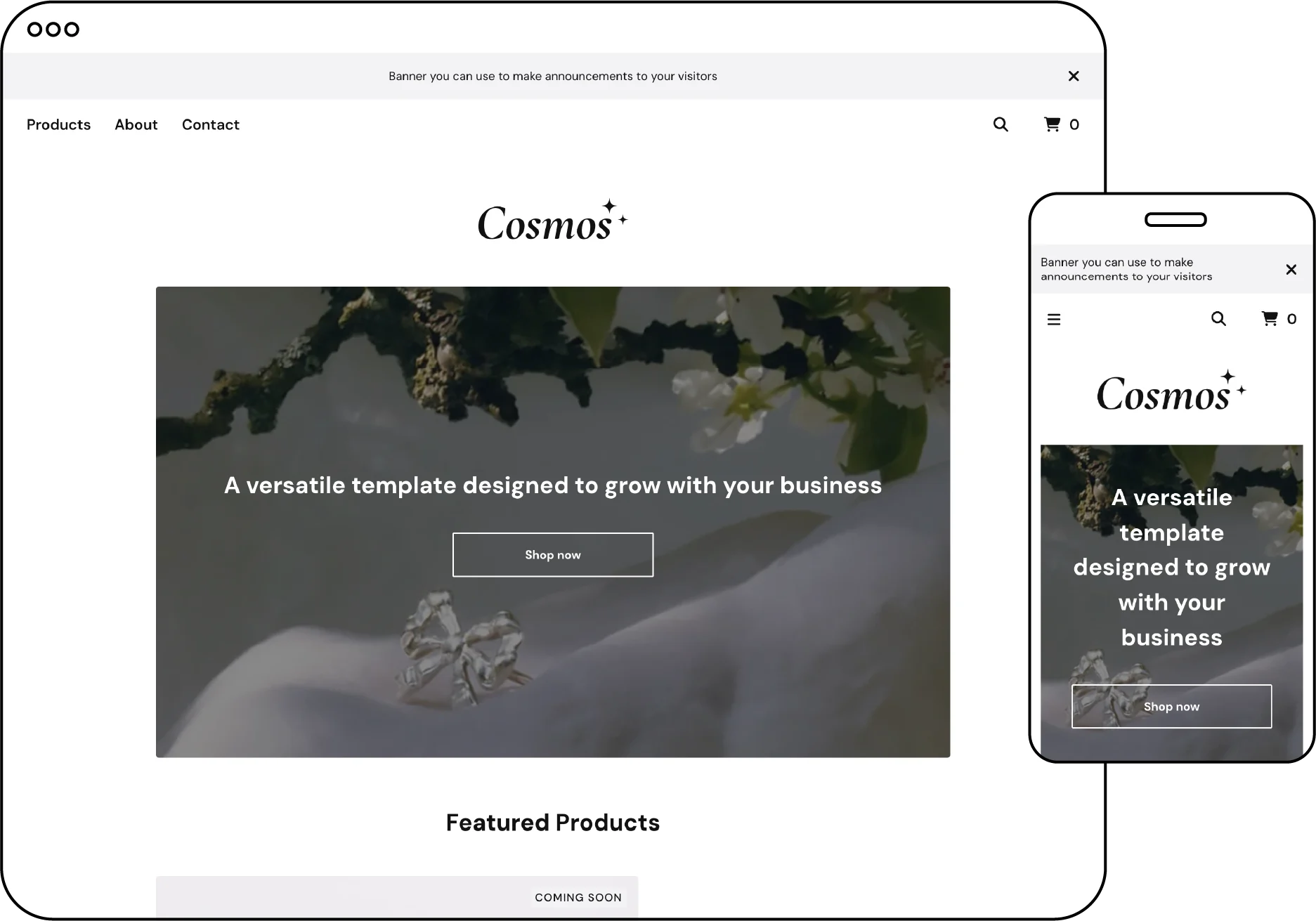
Cosmos is a versatile, bright template full of customization possibilities. It is specifically designed to provide a solid foundation for your journey and seamlessly adapt as your business expands and evolves.
Who is this template for?
The Cosmos template is designed for anyone looking to create an online shop. It is suitable for both beginners and experienced sellers who want a flexible and visually appealing template that can be easily customized to meet their specific needs. Whether you are just getting started or looking to change things up, Cosmos has you covered.
Image specs
.png, .gif, .jpg .jpeg are all supported image file types. Be sure your images don't exceed 10MB - Cosmos supports a large logo image.
| Logo size | 280 px |
|---|
| Background image size | 200px x 200px |
| Hero image | 1200px by 600px |
Template setting essentials
Make the most of your template! Use these powerful template features to effectively market to customers and get the best out of your store design.
| Announcement text | Add a banner to the top of your store with your tagline or use it to easily promote a sale. |
|---|
| Feature products | Featured products is the number of items that are displayed on your homepage. |
| Navigation items | Control how many links are visible in your main navigation |
| Show search | Allow customers to easily search products. |
| Enable related products | Upsell by showing additional products |
| Supported social links | Facebook, Tumblr, Instagram, Pinterest, X, LinkedIn, BandCamp, YouTube, Twitch, Spotify, Snapchat, Bluesky, Threads and TikTok |
| Custom footer text | Easily add a message to your shop's footer. |
| Featured products layout | Choose the alternating layout to highlight fewer products with more emphasis, or the standard grid layout to showcase more products. |
Features
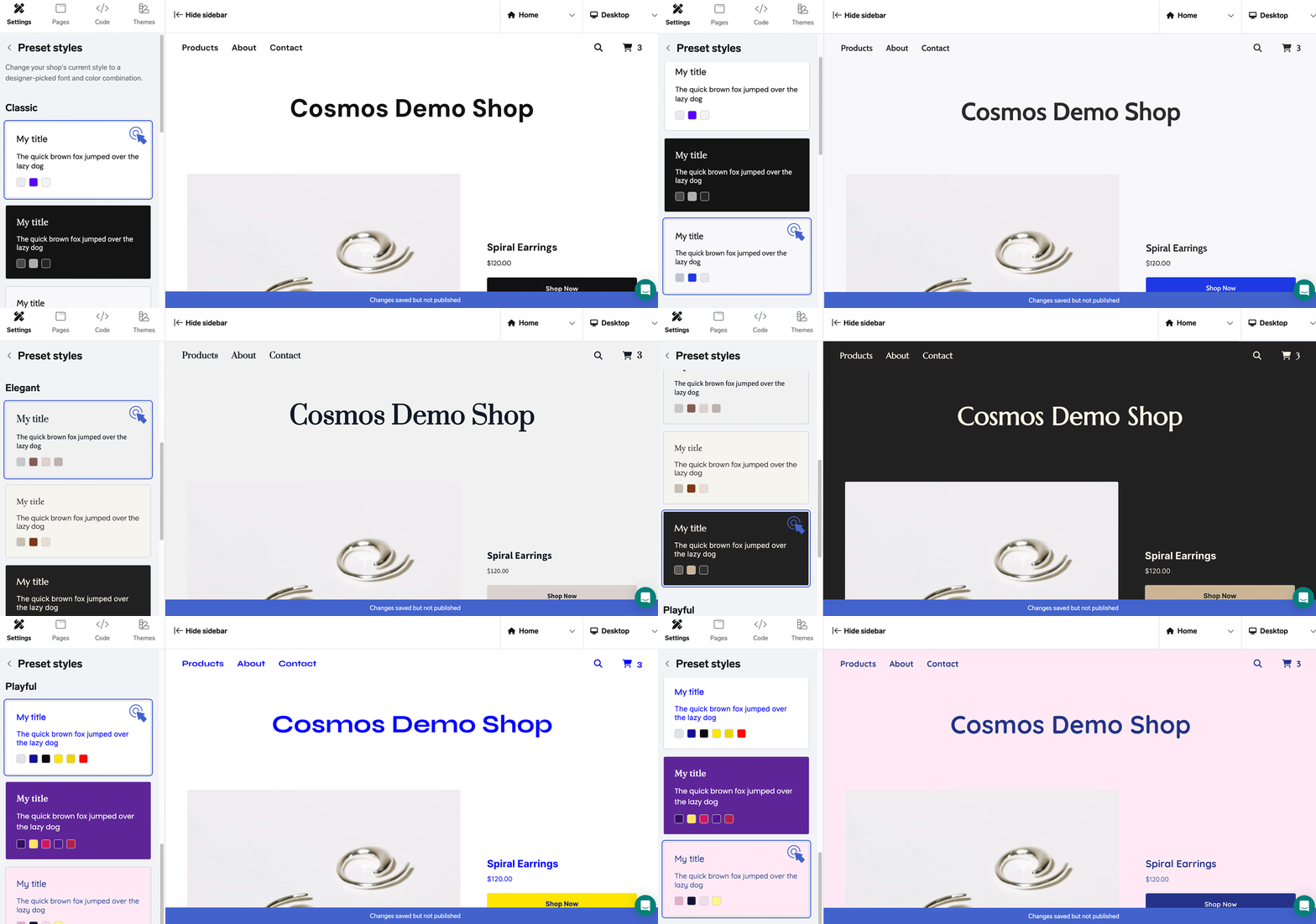
Font and color presets: Choose from 15 different designer-selected combinations to quickly create a beautiful, ready-to-launch shop.
Responsive navigation: Optimized navigation for both mobile and desktop devices, with the option to include a search field.
Customizable hero image: Personalize your homepage with a hero image, and optionally add header text and buttons.
Featured products layout: Select between two layout options on the homepage - alternating or standard grid.
Product information display: Show product information beneath the thumbnail image or overlay it on the image when hovered over.
Product category display: Optionally display product categories on the homepage for easy browsing.
Custom messages: Include custom messages on cart, contact, and maintenance pages.
Template Add-ons
Gold users, upgrade to a premium plan to unlock these template add-ons and elevate your shop’s design
⚡ Limited Inventory Messaging – Boost sales by displaying messages when products are running low.
⭐ Customer Reviews with Fera – Build trust with authentic customer feedback.
📝 Blog Integration – Share updates, stories, and more with your customers.
📬 Newsletter Pop-Up with Mailchimp – Grow your mailing list and keep customers engaged.
🔔 Engaging Pop-Up with Poptin – Capture attention and promote offers with custom pop-ups.